

Account and privacy
Change your name, email or password
Update your profile and the ways you sign in.
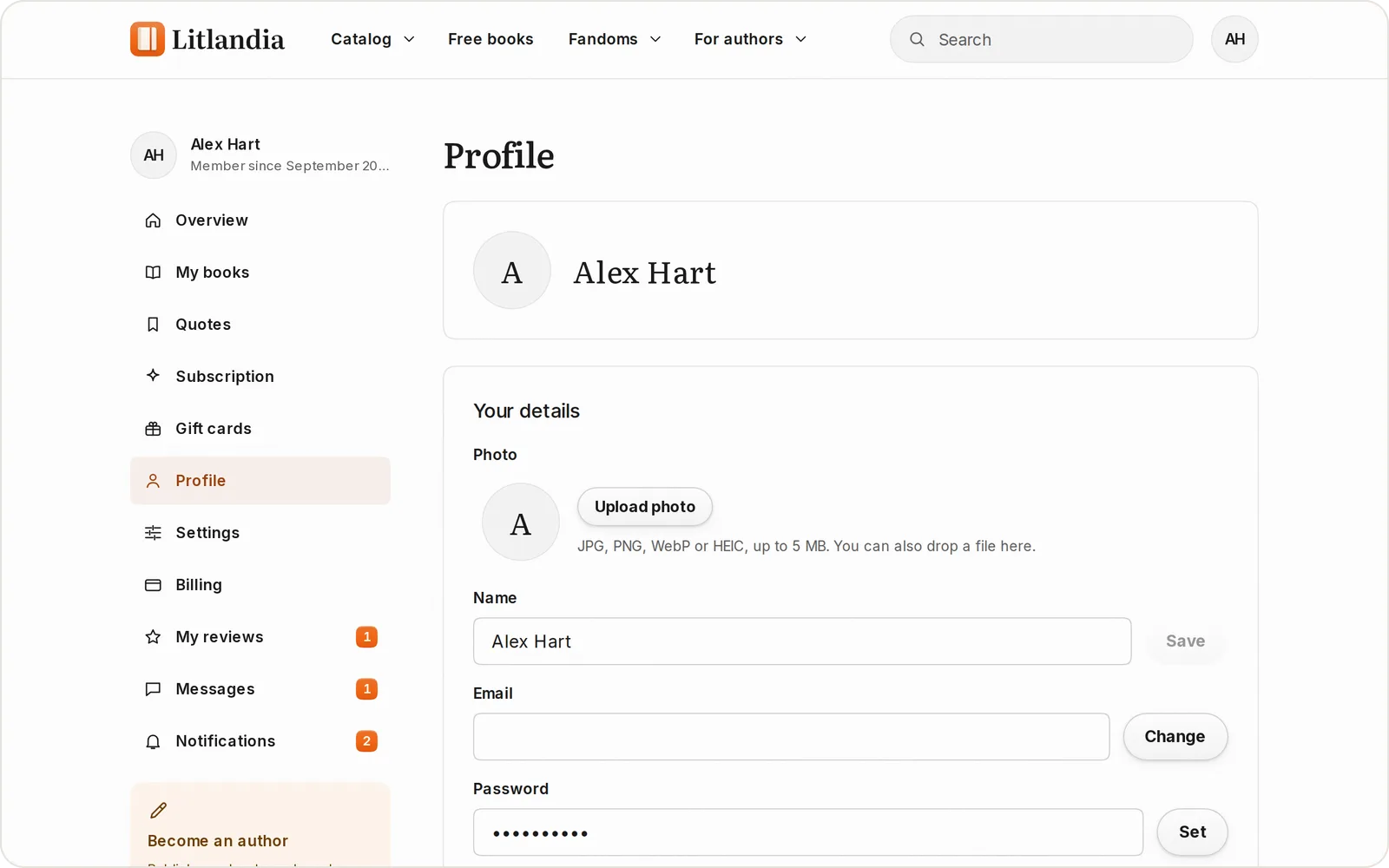
- Open ProfileGo to your account and choose Profile.
- Change your photo or nameUpload a photo and edit your name.
- Change your emailChoose Change next to your email. We send a link to the new address. The change happens when you open it.
- Change or set a passwordChoose Change next to Password. If you signed up with Google or Apple, you can set a password here.
- Link Google or AppleChoose Connect to sign in with them too, or Disconnect to remove them.
Did not work?
Send us a message and we will help.