

Account and privacy
Site theme, reading defaults and mature books
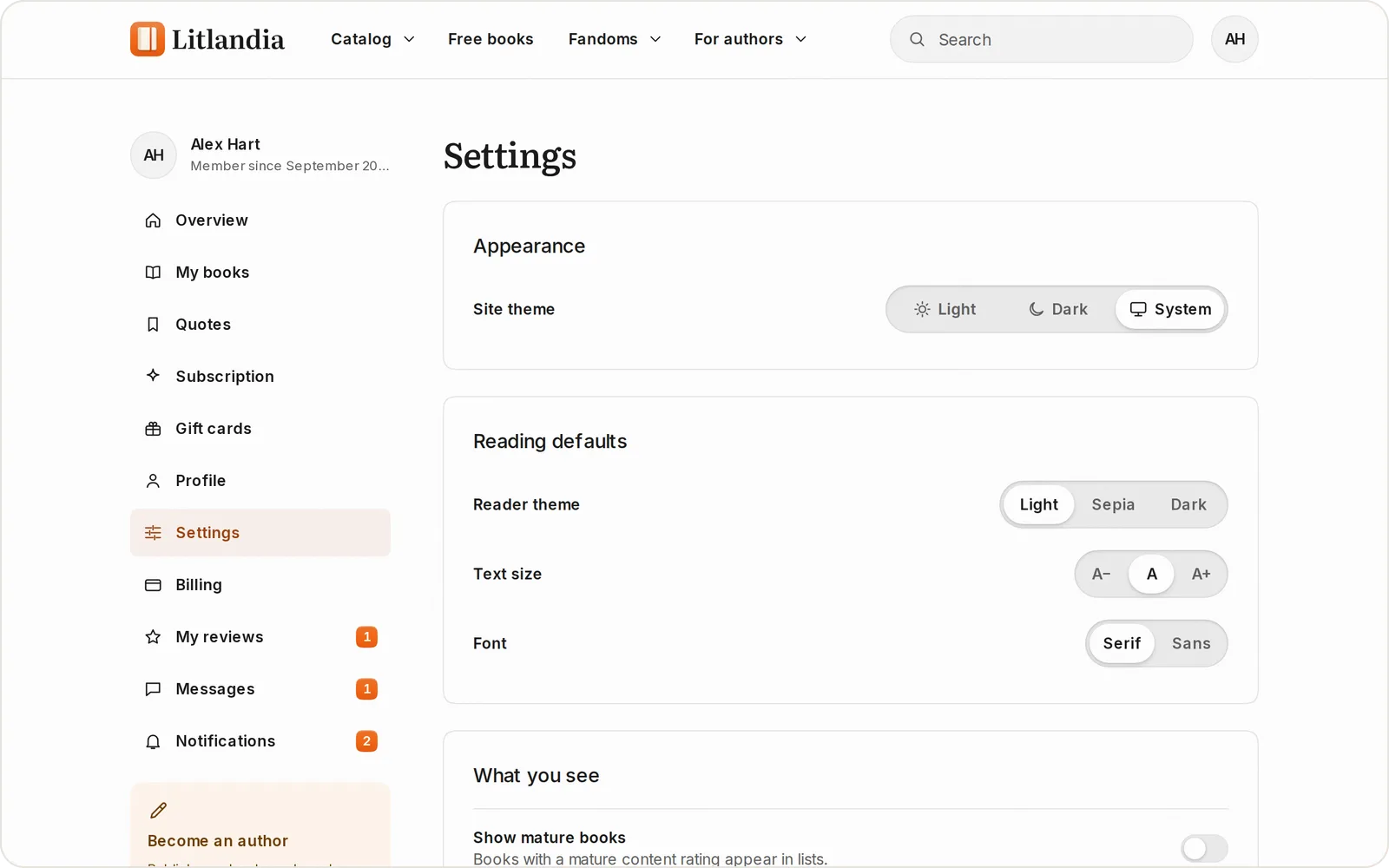
Choose how Litlandia looks and what it shows you.
- Open SettingsGo to your account and choose Settings.
- Pick the site themeLight, Dark or System.
- Set reader defaultsChoose the theme, text size and font new books open with.
- Mature booksAdults can turn Show mature books on or off.
Did not work?
Send us a message and we will help.