

Account and privacy
Choose which emails and alerts you get
Turn news and reminders on or off.
- Open SettingsGo to your account and choose Settings.
- Switch topics on or offUse the toggles next to each kind of notification.
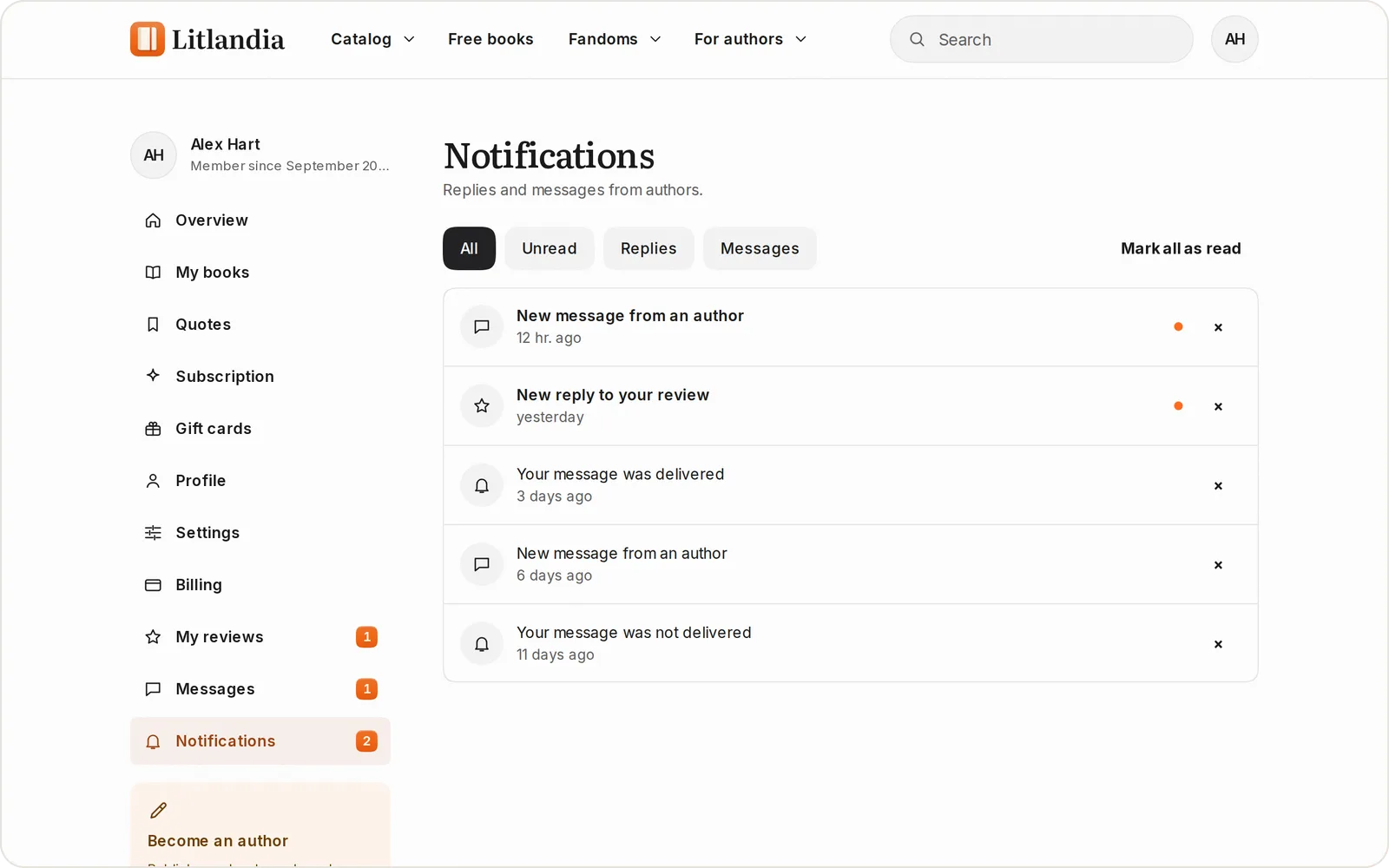
Emails about your account, security and payments are always sent. Your recent alerts are under Notifications in your account, with Mark all as read.
Did not work?
Send us a message and we will help.