

Reading and devices
Change fonts, themes and page layout
Make the page look the way you like. Your settings follow you to every device.
- Open Reading settingsWhile reading, choose Reading settings in the top bar.
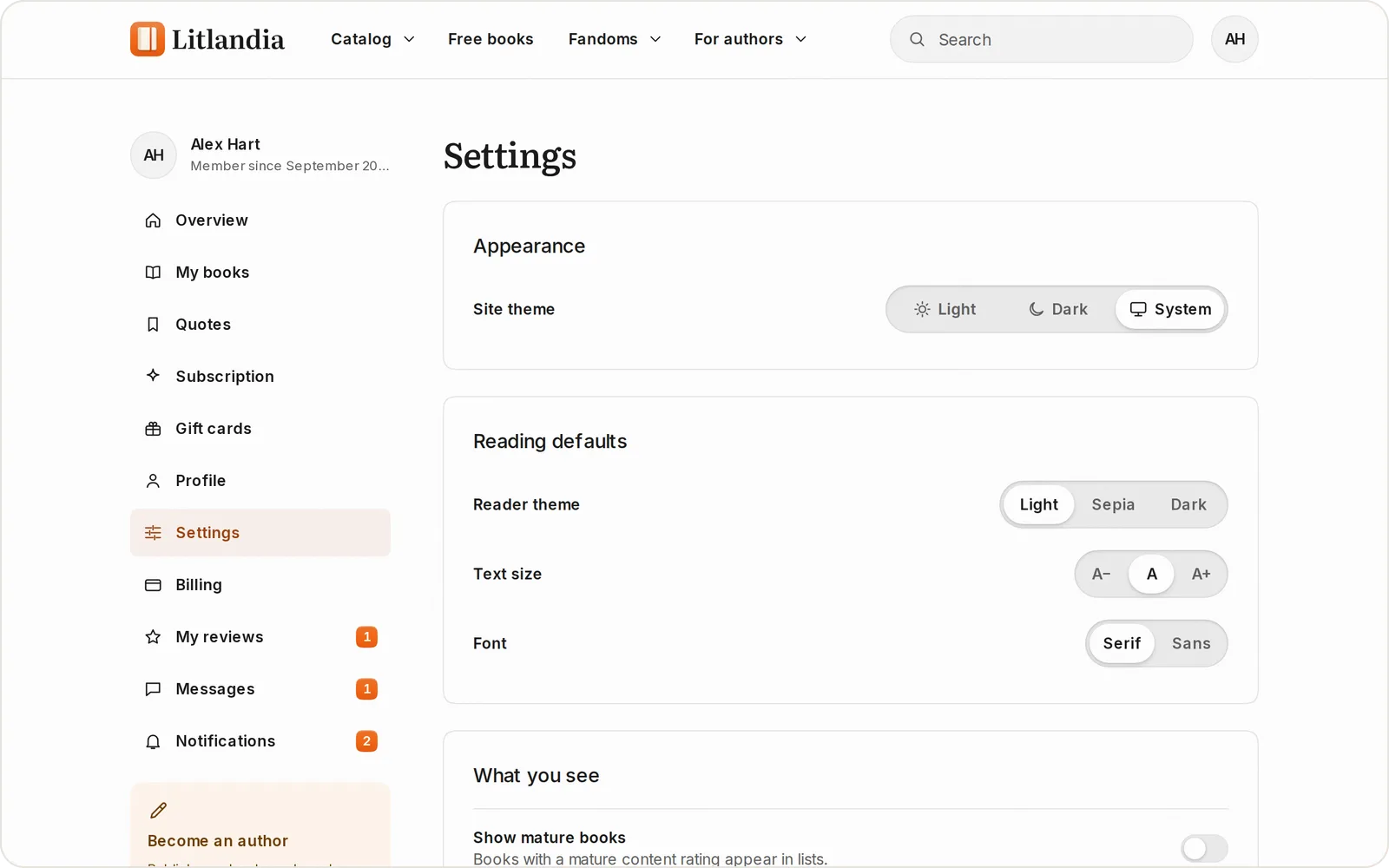
- Pick a theme and sizeChoose Paper, Sepia or Night and one of five text sizes.
- Pick a layoutChoose Scroll or Pages, Serif or Sans, line spacing and text width. On wide screens you can also show two pages side by side.
- Undo it allChoose Reset to defaults to go back to the standard look.
Press F or use the Full screen button to hide everything but the page.
Did not work?
Send us a message and we will help.