

Getting started
Sign in and reset your password
Log in with Google, Apple, your password or a one-time sign-in link.
Sign in
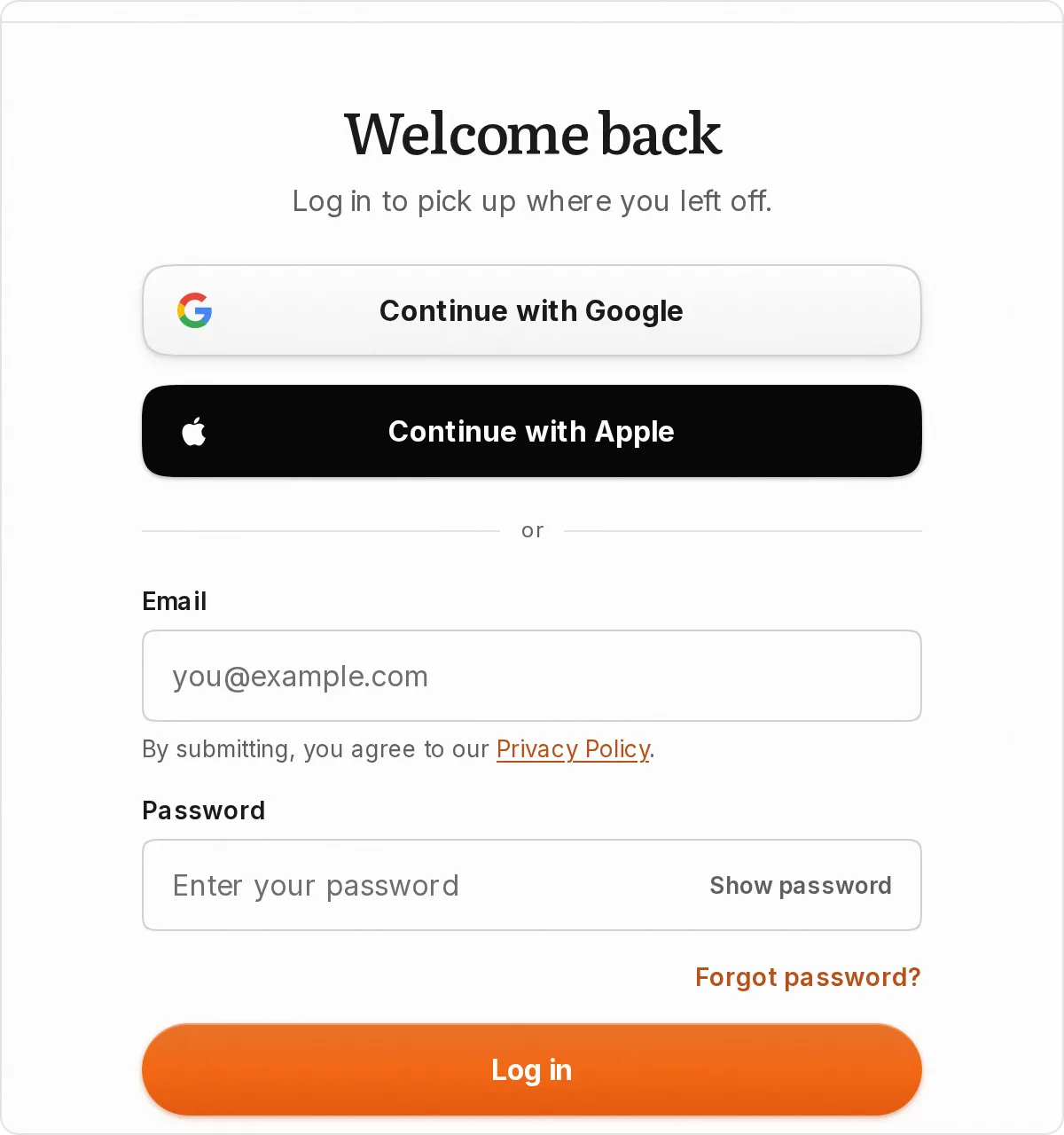
- Open the login pageChoose Log in in the top bar, or go to litlandia.com/login.
- Choose a methodContinue with Google or Apple, or enter your email and password.
- No password? Use a linkChoose Email me a sign-in link. We send a link that logs you in without a password.
Forgot your password
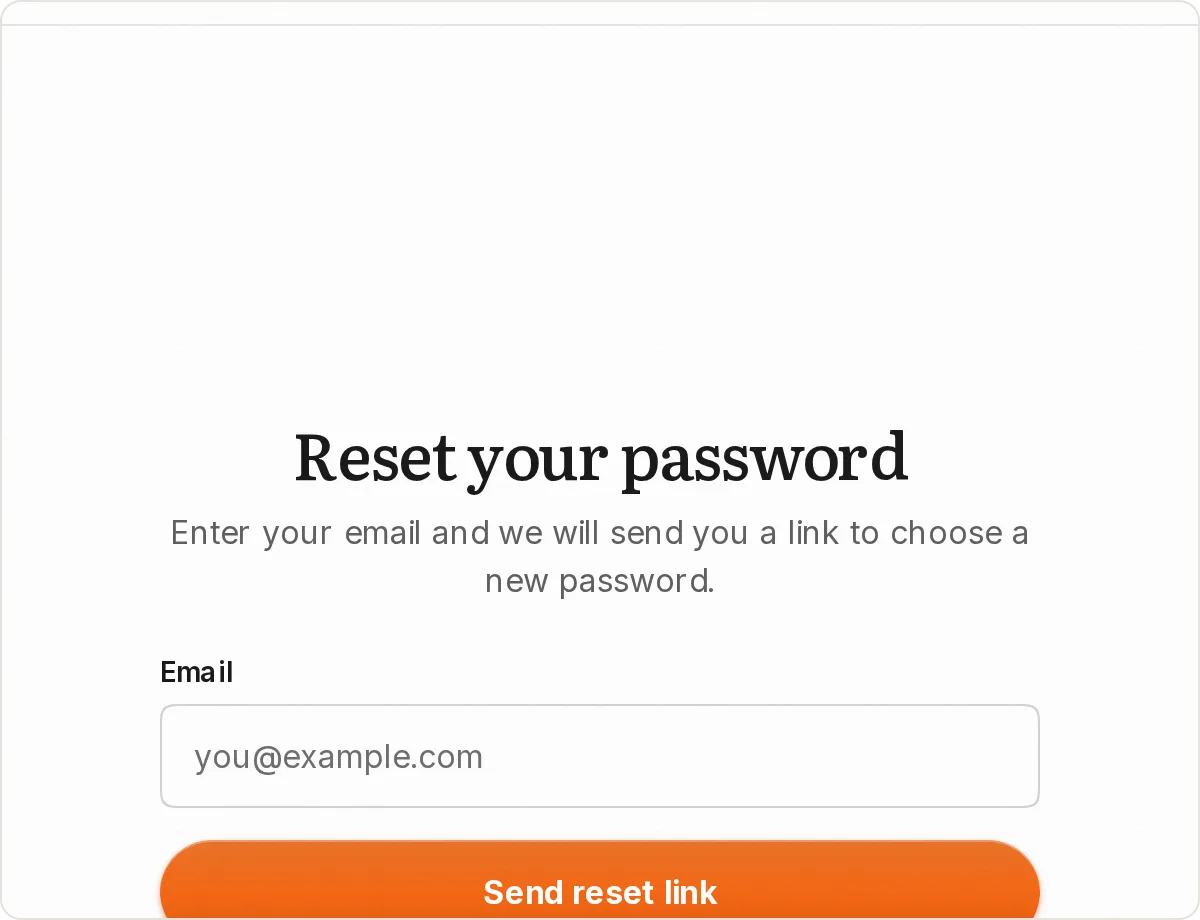
- Ask for a reset linkOn the login page choose Forgot password?, enter your email and choose Send reset link.
- Set a new passwordOpen the link from the email, type a new password and choose Save password.
Links in these emails work for 60 minutes. If one has expired, ask for a new one.
Did not work?
Send us a message and we will help.