

Reading and devices
My books and shelves
Keep track of what you read and sort books onto your own shelves.
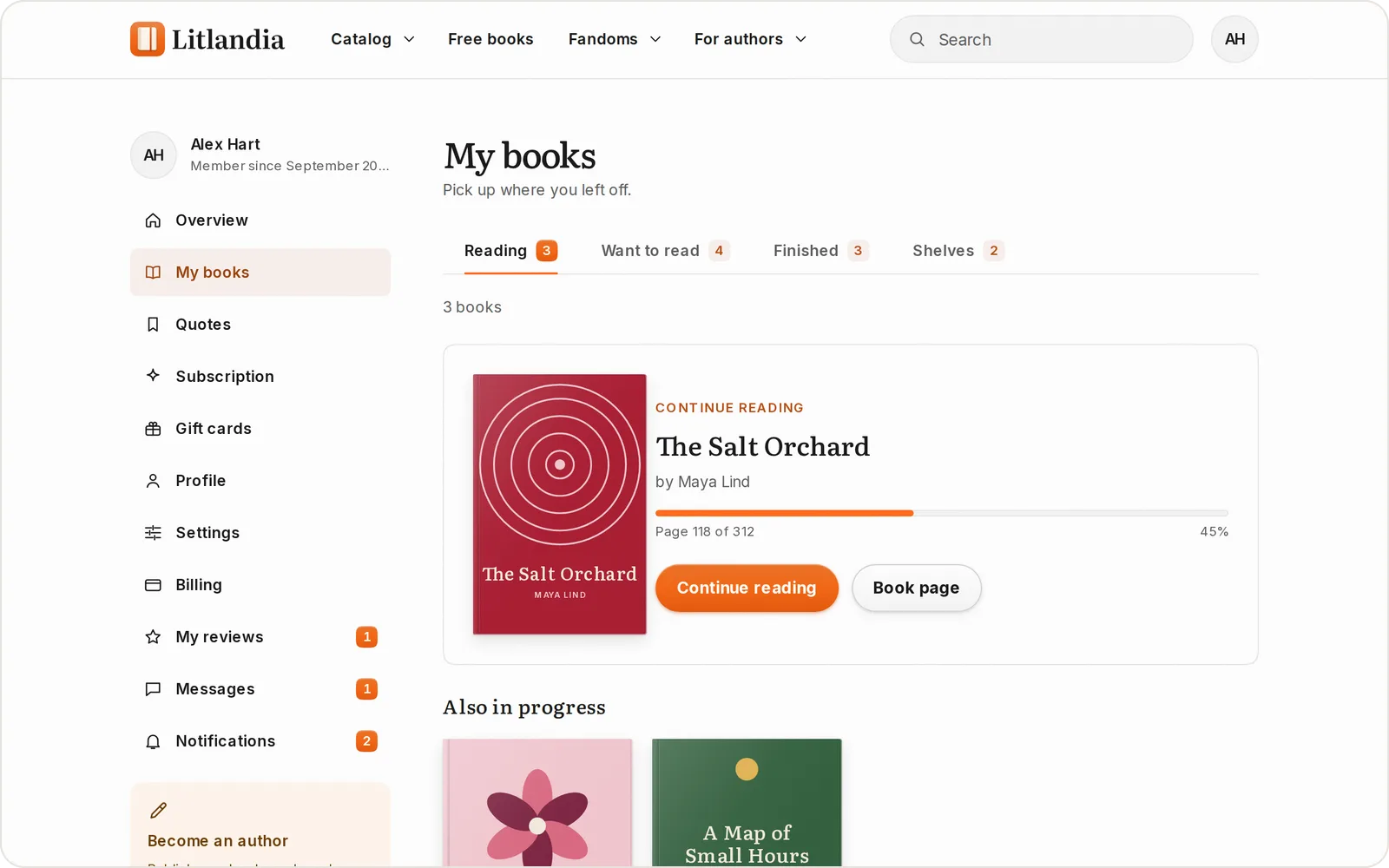
My books in your account has four tabs: Reading, Want to read, Finished and Shelves.
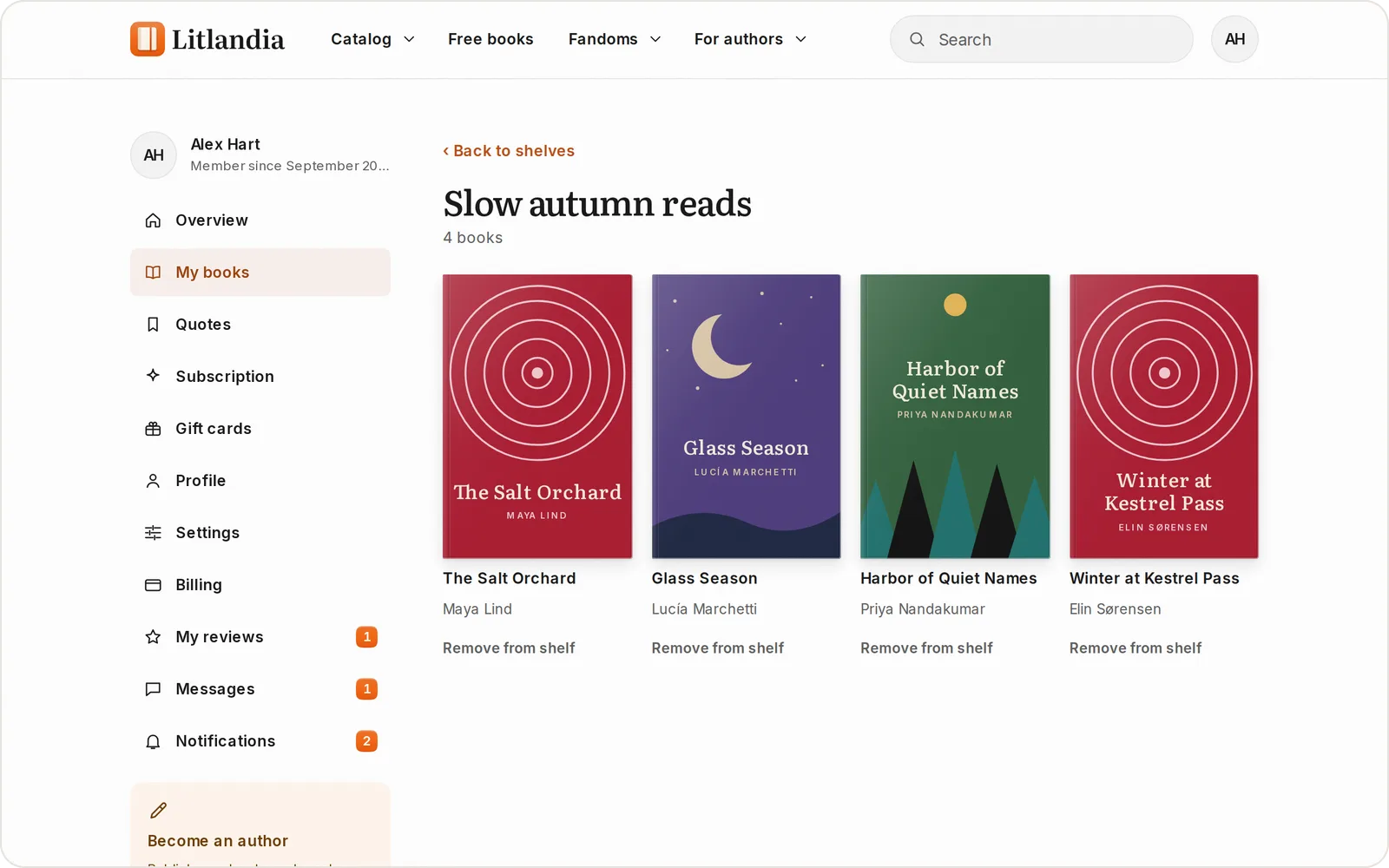
- Create a shelfOpen the Shelves tab and choose + New shelf. A name can be up to 60 characters.
- Add a bookOn a book page choose Add to shelf and pick the shelf.
- Share itChoose Make public. Anyone with the link can see a public shelf.
You can rename or delete a shelf at any time. You can have up to 50 shelves with up to 1,000 books each.
Did not work?
Send us a message and we will help.