

Reading and devices
Highlights, notes and saved quotes
Mark the lines you love and keep them in your account.
- Select textPress and drag over a passage.
- Highlight itPick one of five colours.
- Add a noteChoose Note and write up to 2,000 characters.
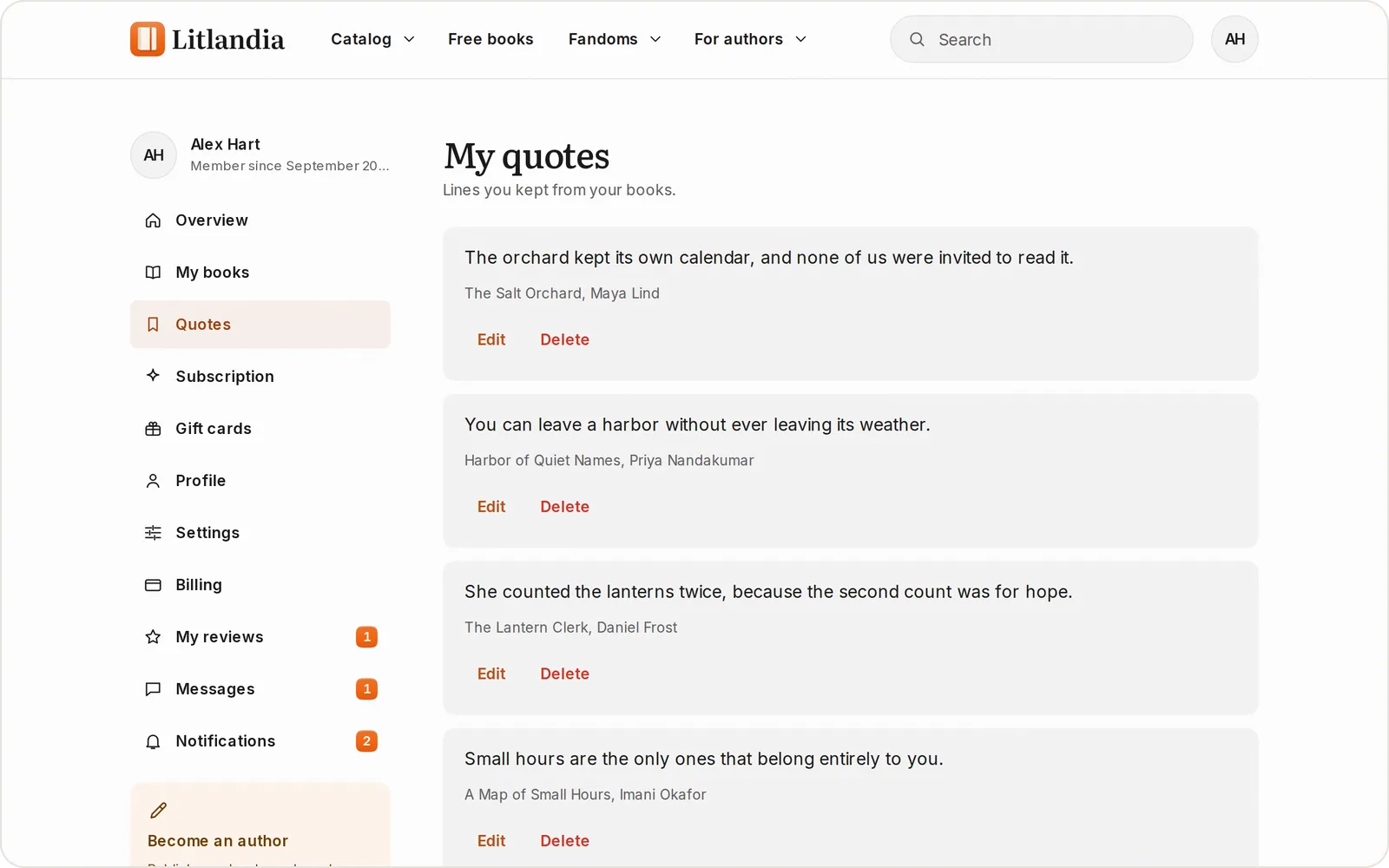
- Save a quoteChoose Save quote. Your quotes are listed under Quotes in your account.
To undo a highlight, select it again and choose Remove highlight. Copying text out of a book is turned off to protect authors.
Did not work?
Send us a message and we will help.