

Publishing
Write a book in the browser
No file yet? Write chapter by chapter right in the author panel.
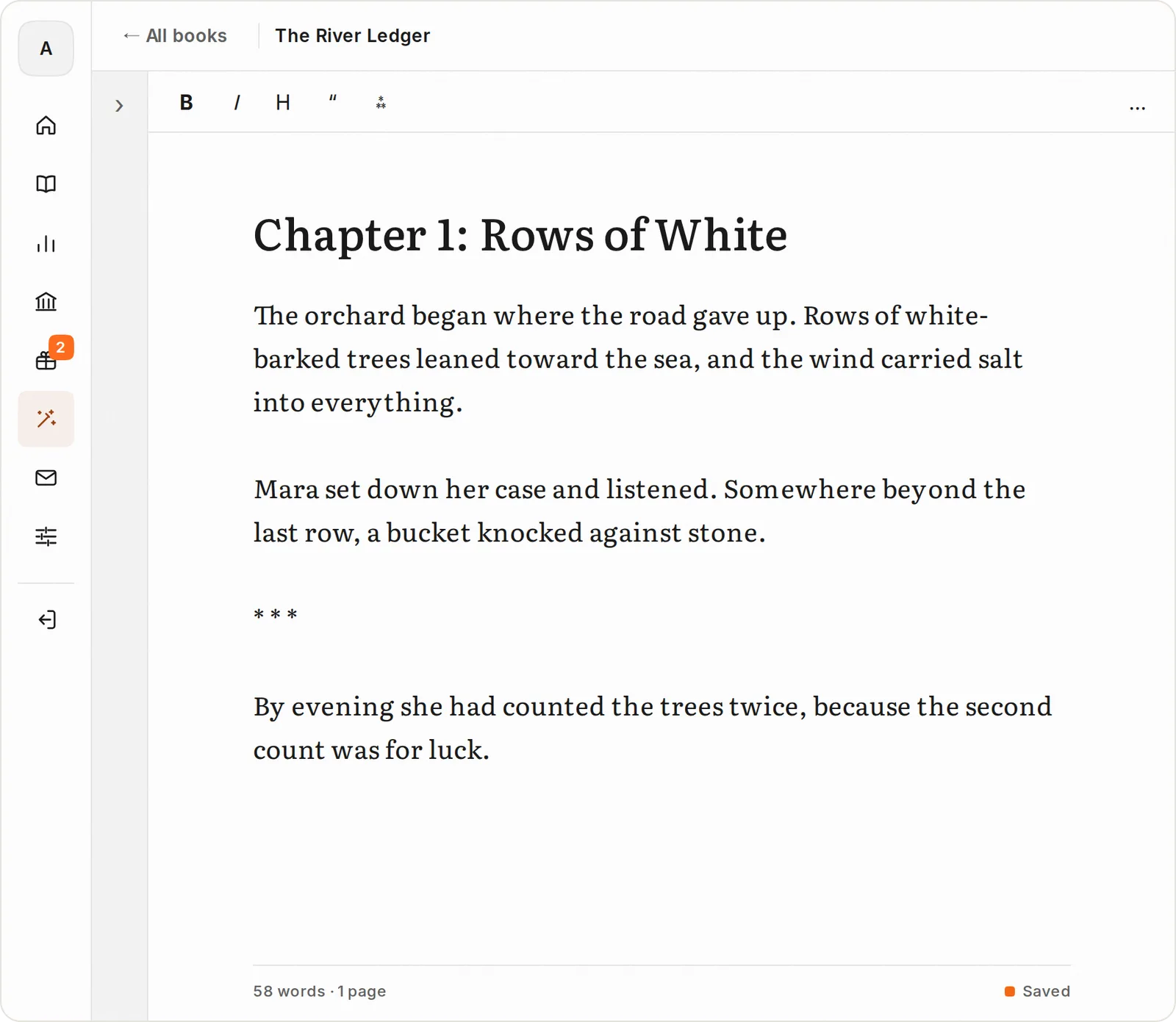
- Open the writerOn the upload page choose No file yet? Write the book here.
- Write your chaptersAdd chapters and write your text.
- Go back in timeOpen History to see earlier versions of a chapter and bring one back.
When the book is ready, send it for review from the check page, the same way as an uploaded file.
Did not work?
Send us a message and we will help.