

Publishing
Fill in book details and send it for review
The check page collects everything readers see before you send the book to our team.
- Check the chaptersMake sure the chapter list and titles look right.
- Add a cover and descriptionThe cover from your file is used if there is one. Write two or three sentences about the book. They show on the book page and in search.
- Pick genres and tagsChoose up to 4 genres and up to 8 tags, and the language the book is written in.
- Set the age ratingAnswer six short questions. See Set the age rating.
- Choose accessIncluded in subscription lets subscribers read it and you earn from the pages they read. Free lets anyone with an account read it.
- Confirm and sendTick the rights statements and choose I confirm and submit. Not ready? Choose Save draft and come back later.
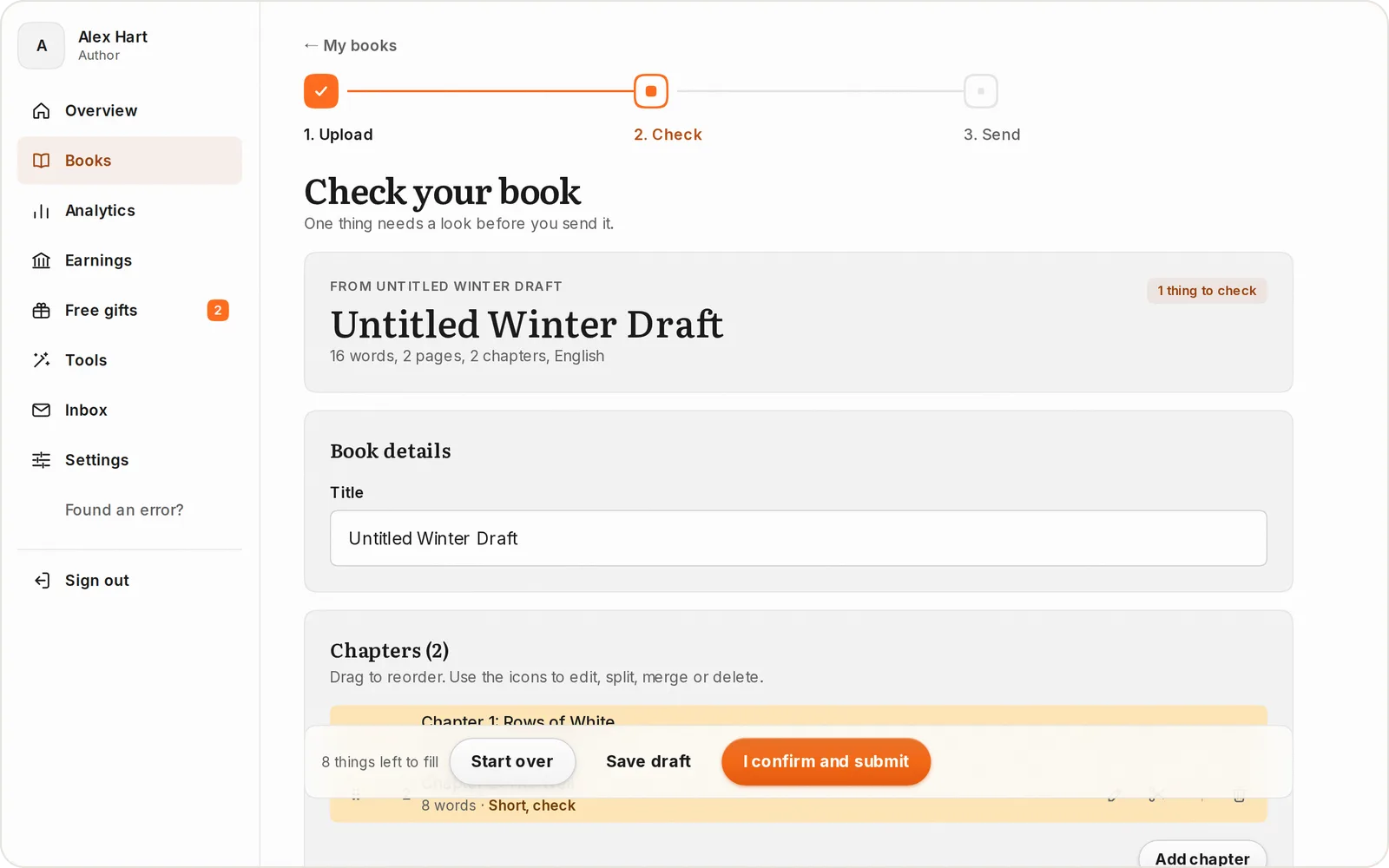
The button at the bottom tells you how many things are still missing before you can send the book.
Did not work?
Send us a message and we will help.