

Account and privacy
Delete your account
Close your account and erase your data. This cannot be undone.
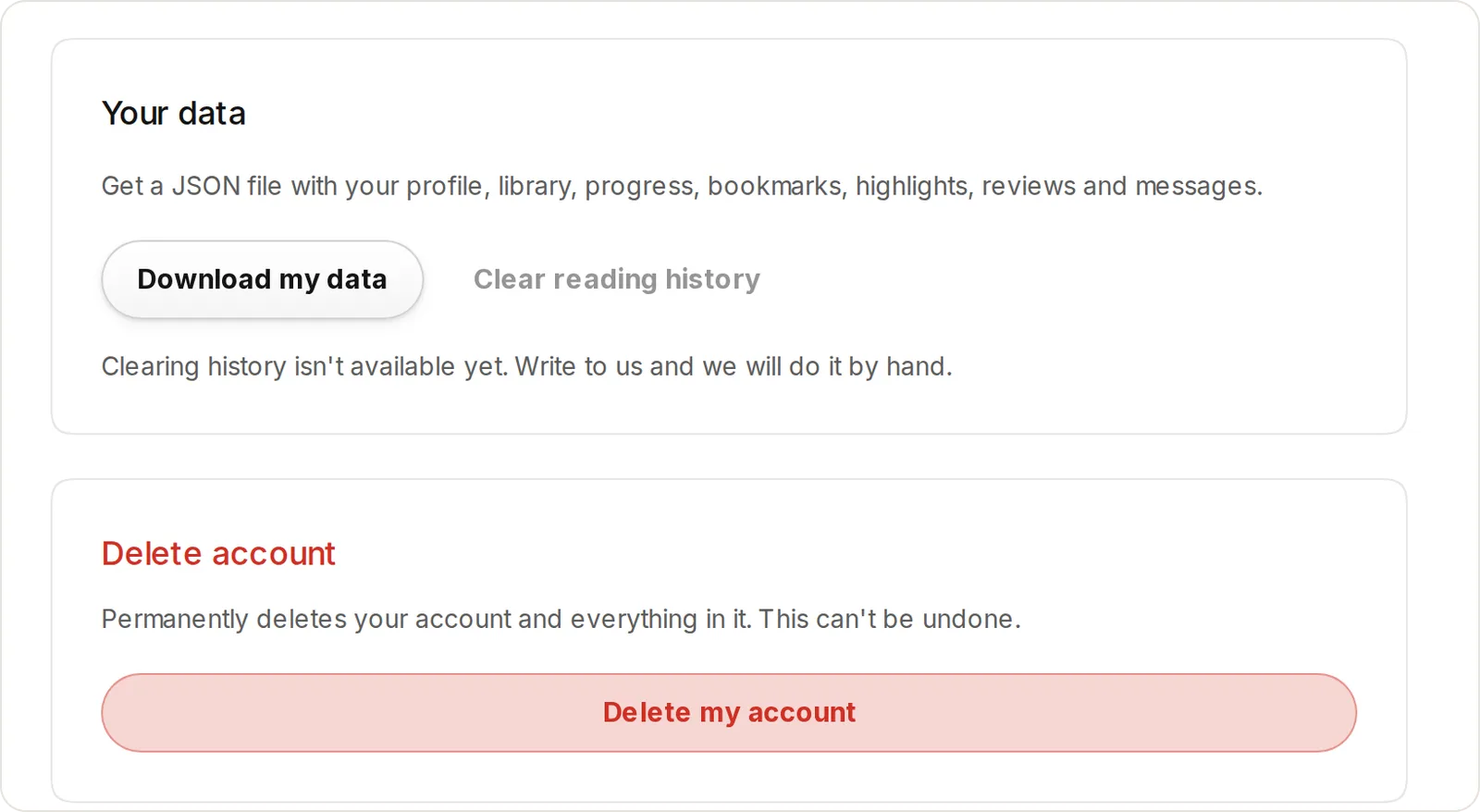
- Save what you needDownload your data first if you want a copy.
- Open SettingsGo to your account and choose Settings, then scroll to Delete account.
- ConfirmType DELETE and choose Delete forever.
An active subscription is canceled right away. Authors with published books need to contact support to close their account.
Did not work?
Send us a message and we will help.