

Subscription and billing
Manage or cancel your subscription
Change your card, see invoices or cancel from your account.
- Open SubscriptionGo to your account and choose Subscription.
- Open the billing portalChoose Manage subscription. A secure Stripe page opens.
- Make the changeUpdate your card, download invoices or cancel the plan there.
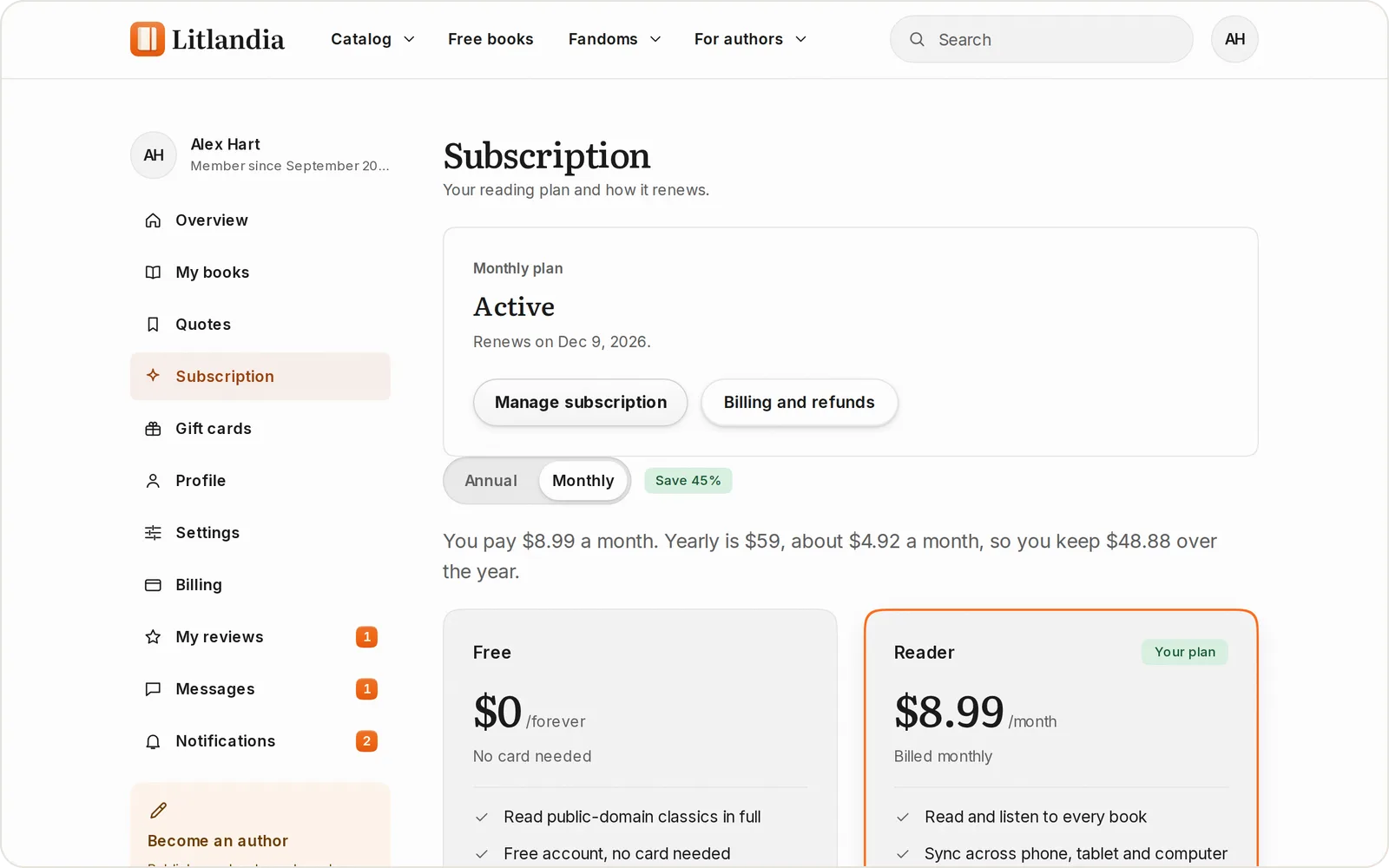
After you cancel, you keep access until the end of the period you already paid for. If you change your mind before then, choose Reactivate on the Billing page.
Did not work?
Send us a message and we will help.